

A small relic for your desk. Inside waits an egg from the Streakhunter universe. Every new sub brings it closer to hatching, and afterwards it evolves in three stages. You decide at how many subs.
What SubBeast can do
Grows with your channel
Sub party
„Hey Beast“
Channel at a glance
Latest video
Morning recap
Upload hunger
Night rest
Voice commands
Say „Hey Beast“ (or „Hi Beast“) and you have 6 seconds for a command. Speech recognition runs fully on the device, without cloud and without constant uploading.
- „Hey Beast“ / „Hi Beast“Wakes your beast up. It listens and waits for your command.
- „Abos“ / „Subscribers“Your beast tells you the current sub count.
- „Aufrufe“ / „Views“Shows today's views and the total.
- „Stats“ / „Statistik“Opens the channel overview with subs of the last 7 days, views today, videos and your next goal.
- „Video“Shows your latest video with thumbnail, views, likes and comments.
- „Gute Nacht“ / „Good night“Sends your beast to sleep, the display turns off.
At night between 10 pm and 8 am, „Hey Beast“ only wakes the display. The beast keeps sleeping and doesn't answer with speech bubbles. The status screens still work.
What you need
- Waveshare ESP32-S3-Touch-AMOLED-2.06
- USB-C data cable (charge-only cables won't work)
- microSD card for your beast
- 3D-printed case on MakerWorld.
- Chrome or Edge on a computer
- 2.4 GHz Wi-Fi
- A YouTube channel with a public sub count
Print the case
The Relikt Mini consists of three parts: body, back cover and crystal. Everything prints in PLA without supports, and the ready-made profile for Bambu Lab is waiting on MakerWorld.
Open on MakerWorldHow it works
1. Beast onto the SD card
Download your beast and copy it onto the microSD card.
2. Flash the firmware
Connect the board via USB and flash with one click.
3. Set up
Enter channel, sub goals and Wi-Fi and transfer them to the device by cable. Done.
Your beast · Set up the microSD card
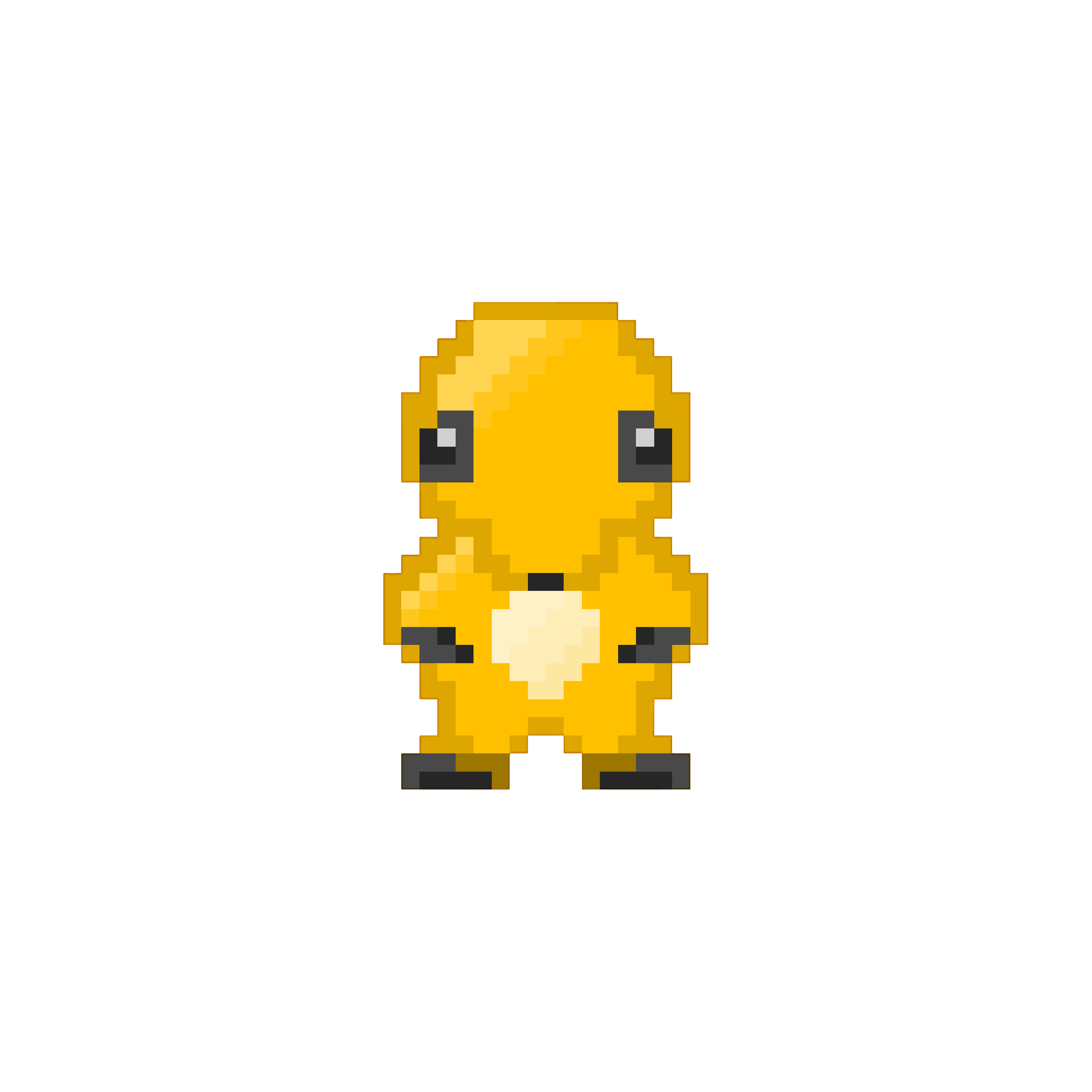
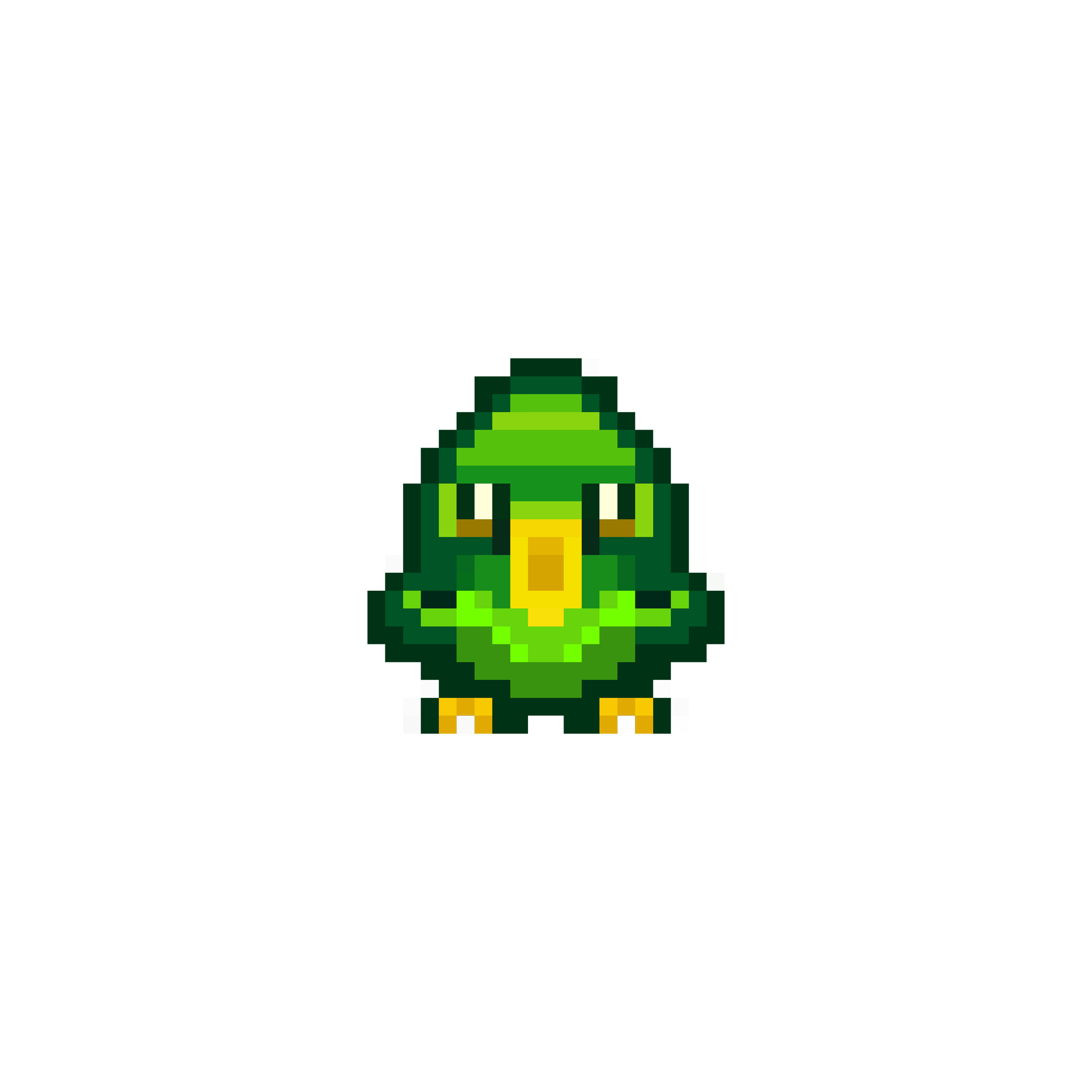
After flashing, your device needs a beast. It lives on a microSD card. Download one of the six beasts below: Ruga, Pintan, Fearo, Leona, Lurco or Grelo.




1. Format the card
Format the microSD card as FAT32.
Back up any files first: formatting deletes the card's contents.
2. Copy your beast
Extract the ZIP. Copy
beast.shbfrom your chosen beast's folder to the root directory of the card — not into a subfolder. Exactly one beast.shb per card.3. Insert the card
Insert the card into the device. It reads the card immediately and your beast appears on the pedestal.
Want several beasts? Prepare a separate microSD card for each one. Swap cards and the device immediately loads the respective beast.
Without a card, the device goes into holiday mode and your beast takes no damage.
Flash & set up
1. Install firmware
Connect the board via USB-C, click the button and choose the port. Nothing found? Hold BOOT, briefly press RESET, release BOOT. After installing, close the window and continue with step 2.
2. Your channel
@handle, channel link or channel ID (starts with UC).
Tipp: Nach „Kanal prüfen“ schlagen wir passende Ziele für deine aktuelle Abozahl vor.
3. Wi-Fi
2.4 GHz only. Mind upper and lower case.
4. Transfer to SubBeast
SubBeast must be connected via USB. The data goes straight to the device over the cable, not to the internet.
FAQ
- Do I need a YouTube API key?
- No. SubBeast fetches your channel's public numbers via streakhunter.eu.
- What happens to my Wi-Fi password?
- It goes straight to the device over the USB cable and is never uploaded. Only your channel's public numbers reach our server.
- Can I change my goals later?
- Yes. Just run the setup again, the beast keeps its progress.
- Why only Chrome or Edge?
- Only these browsers can talk to the device over USB.
- Firmware update?
- Just flash again here. Your settings stay as long as you don't tick “Erase device”.