

Care
Adventure & Arena
Evolve
What you need
- Waveshare ESP32-S3-Touch-AMOLED-1.8 – battery, case and RTC included.
- A USB-C cable for flashing.
- A microSD card for your beast.
- A computer with Chrome, Edge or Opera.
Web Flasher
Plug in the board via USB-C, click the button and select your device. Done – no installation.
Computer only, with Chrome, Edge or Opera. Not possible on phones, Safari or Firefox.
Your beast · Set up the microSD card
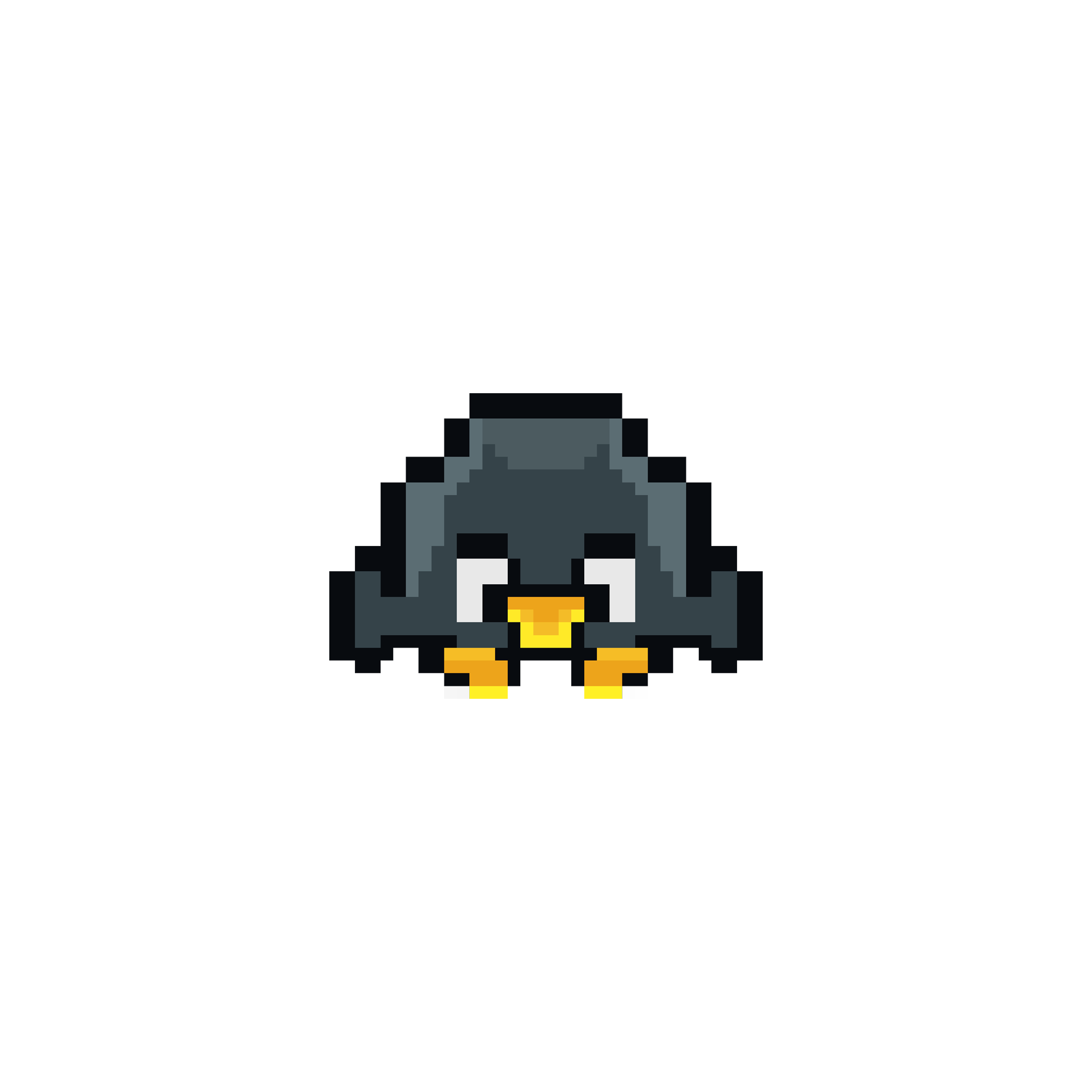
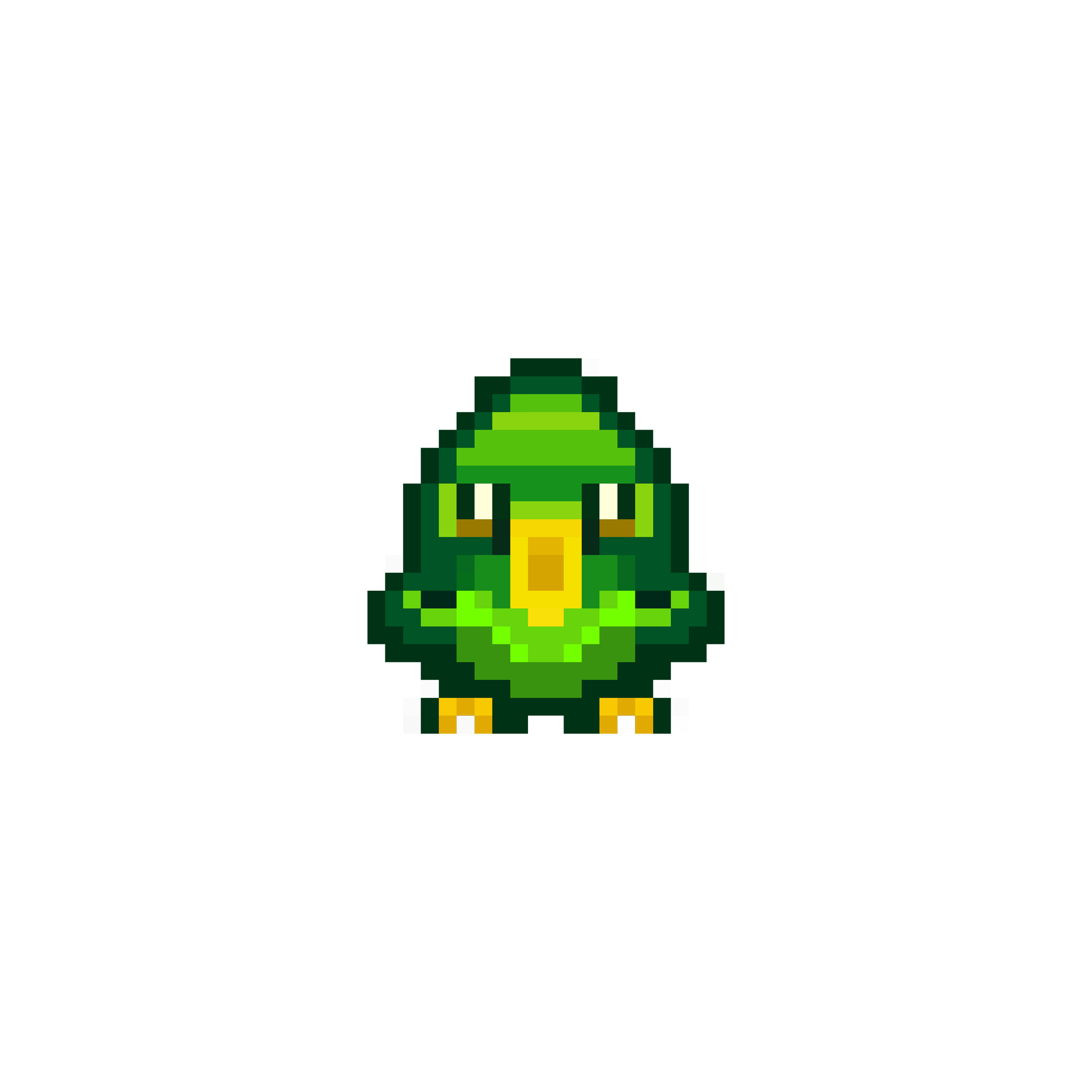
After flashing, your device needs a beast. It lives on a microSD card. Download one of the six beasts below: Ruga, Pintan, Fearo, Leona, Lurco or Grelo.
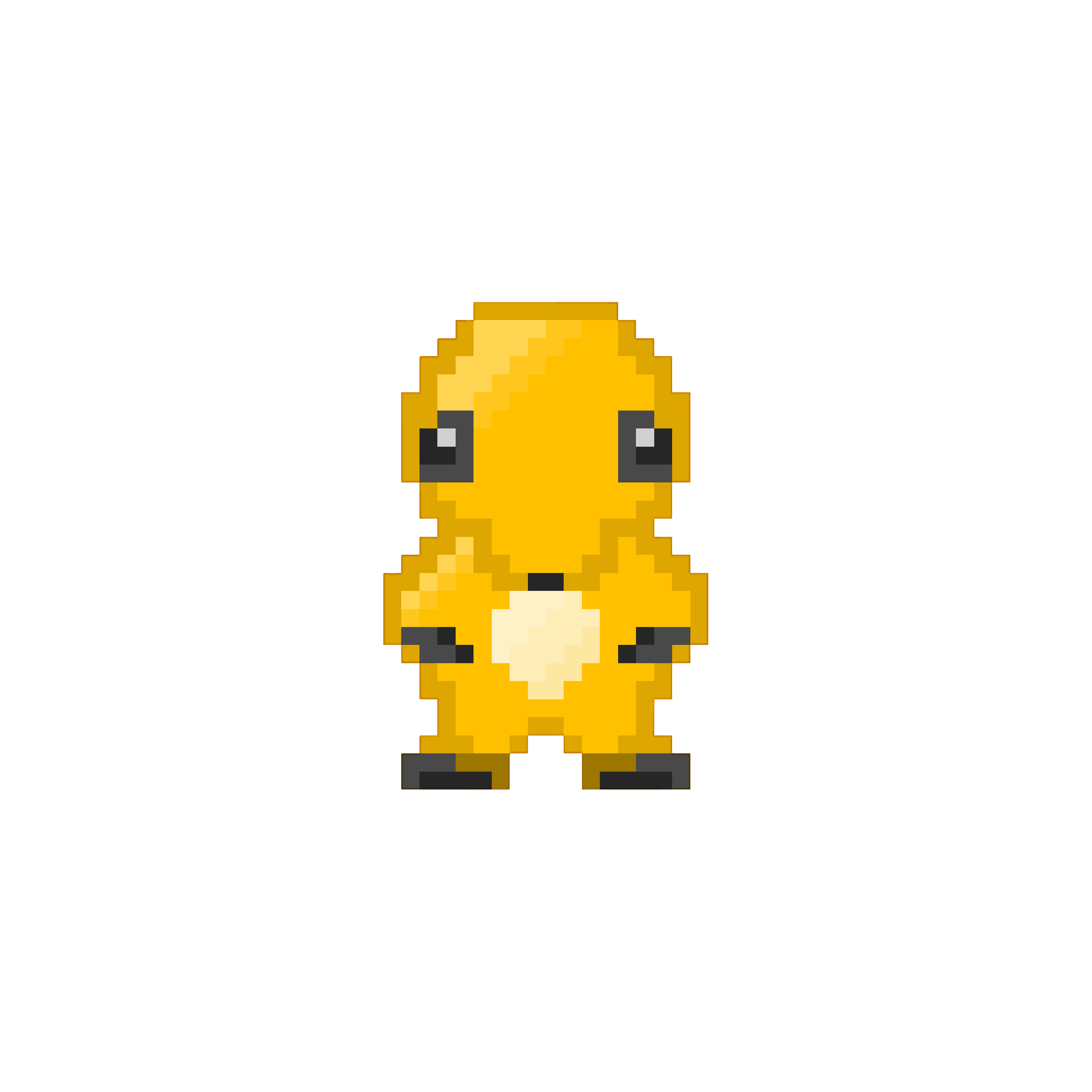
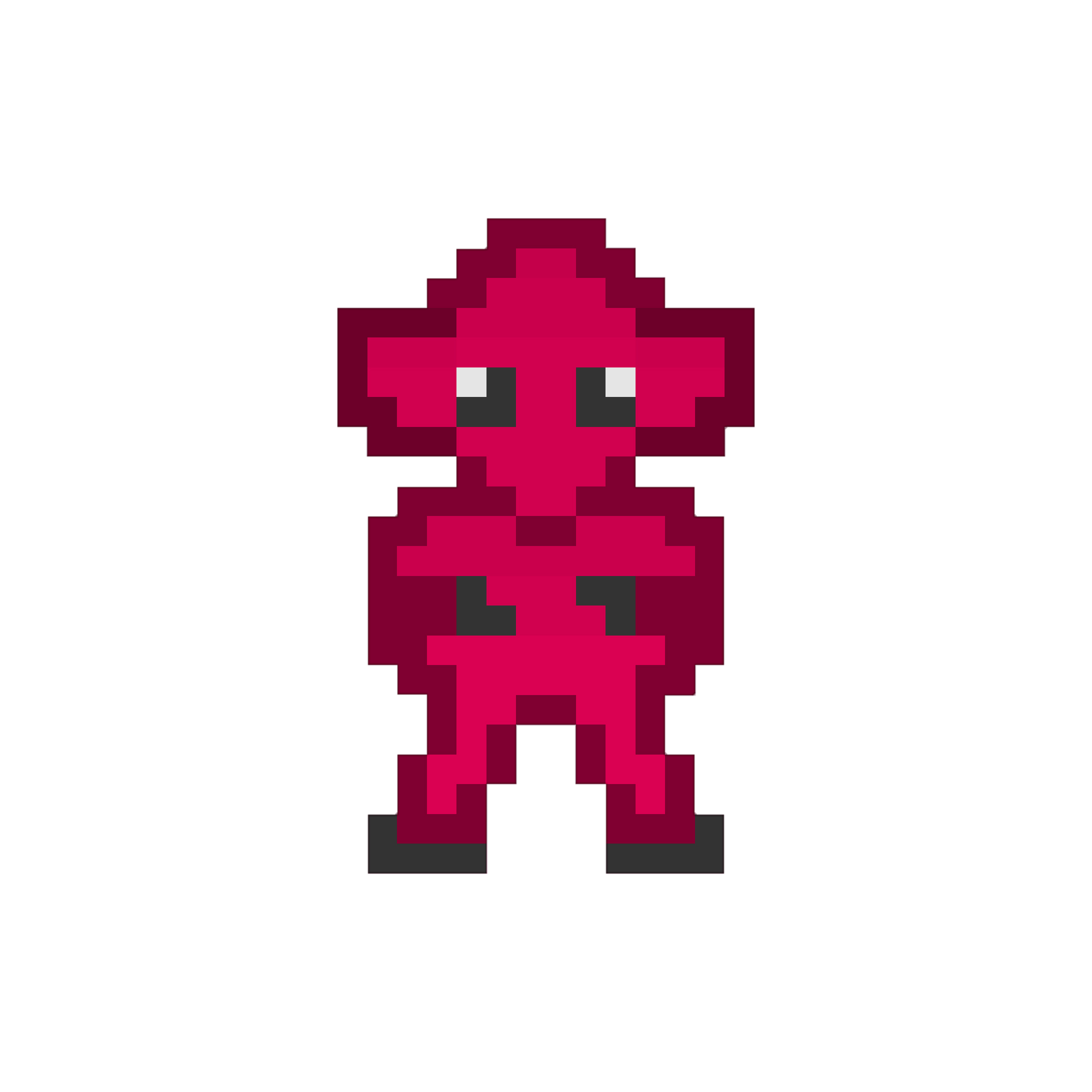
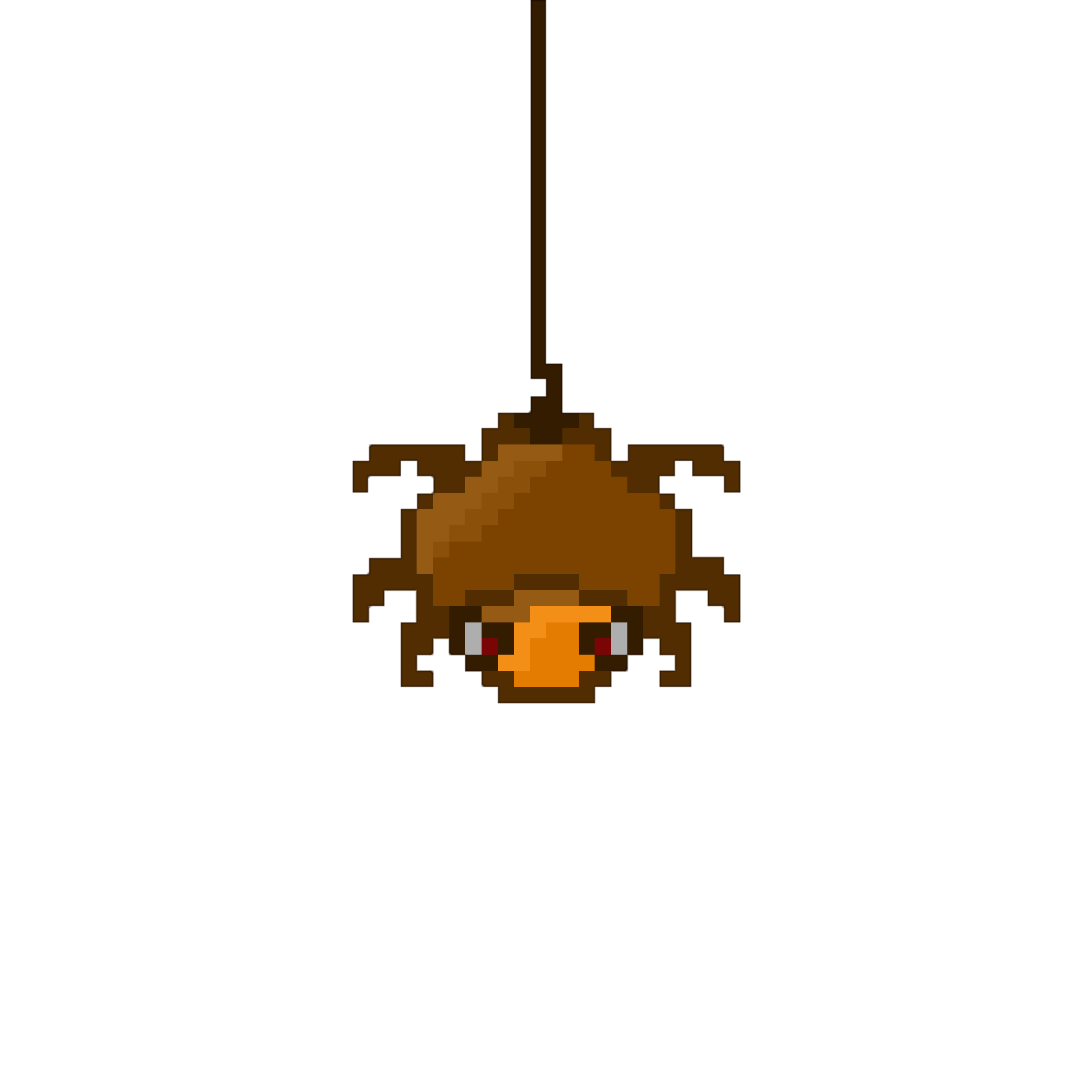
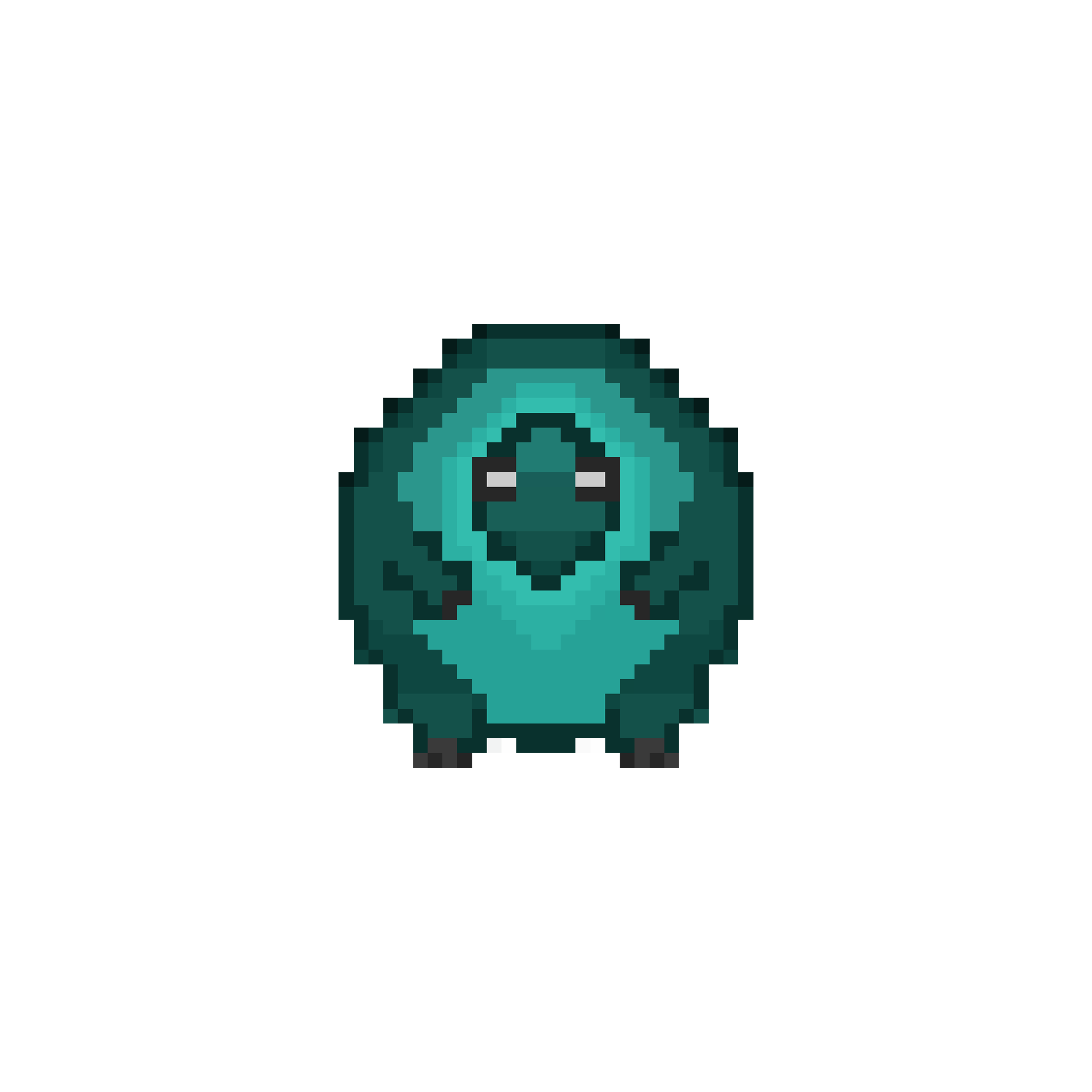
1. Format the card
Format the microSD card as FAT32.
Back up any files first: formatting deletes the card's contents.
2. Copy your beast
Extract the ZIP. Copy
beast.shbfrom your chosen beast's folder to the root directory of the card — not into a subfolder. Exactly one beast.shb per card.3. Insert the card
Insert the card into the device. It reads the card immediately and your beast appears on the pedestal.
Want several beasts? Prepare a separate microSD card for each one. Swap cards and the device immediately loads the respective beast.
Without a card, the device goes into holiday mode and your beast takes no damage.
Controls
- Swipe left/right: switch pages (Profile · Home · Quests · Adventure · Arena).
- Swipe up: beast status card.
- Tap: select.
- BOOT button: wake from deep sleep.
Want to build it yourself? Source code and maker guide on GitHub.